The online booking instructions help guide end users on how to successfully make an online booking.
By default, First Class has some standard instructions.
If you would like to customise these instructions, you can add custom instructions via the booking instructions settings.
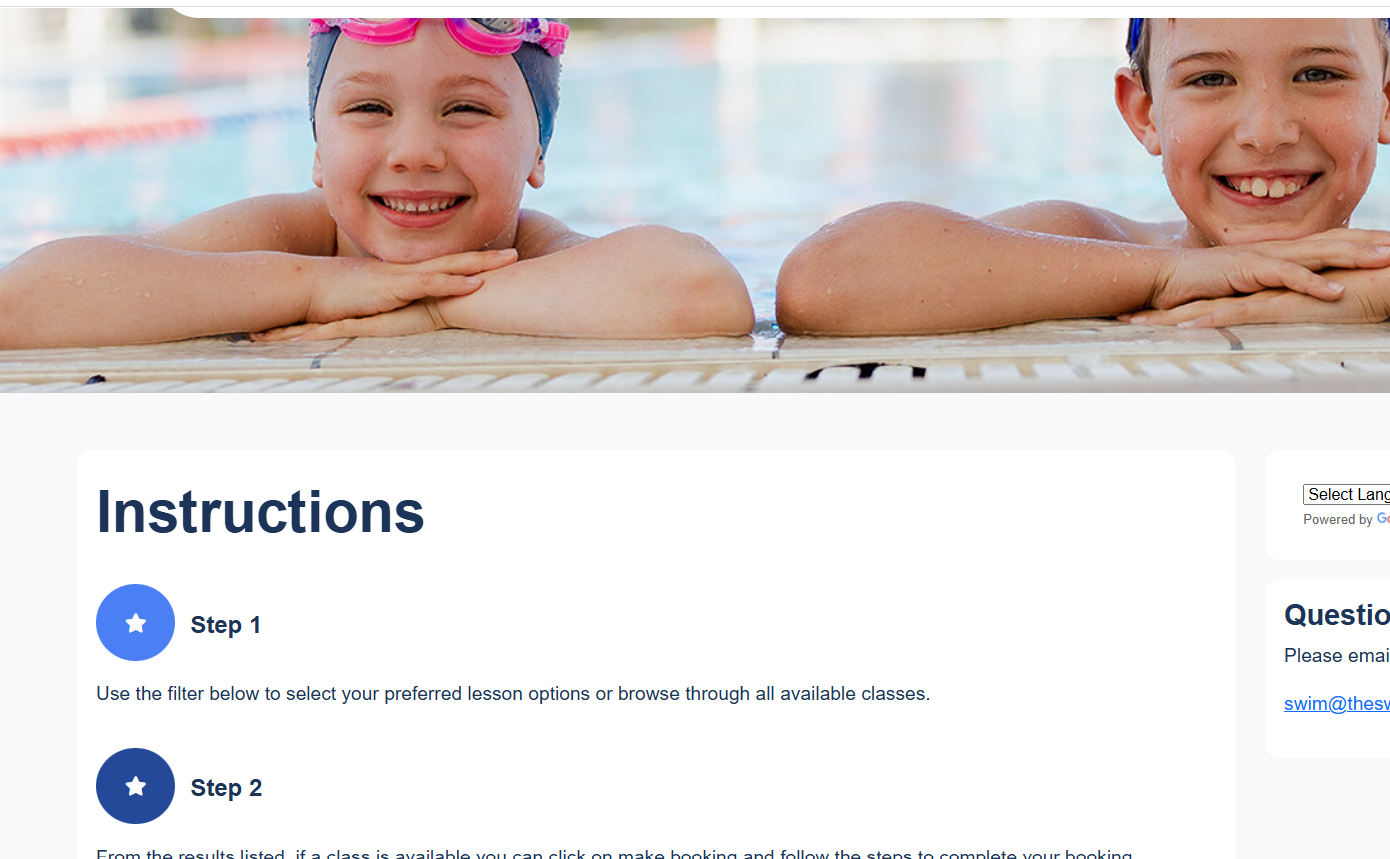
Note: Adding booking instructions will completely over write the default instructions so if you are adding custom instructions, you will need to ensure it covers all points and not just adding to the points in the default instructions
To add custom instructions to go Settings > General > Portal Booking Instructions
Then click on the add option to add custom booking instructions.
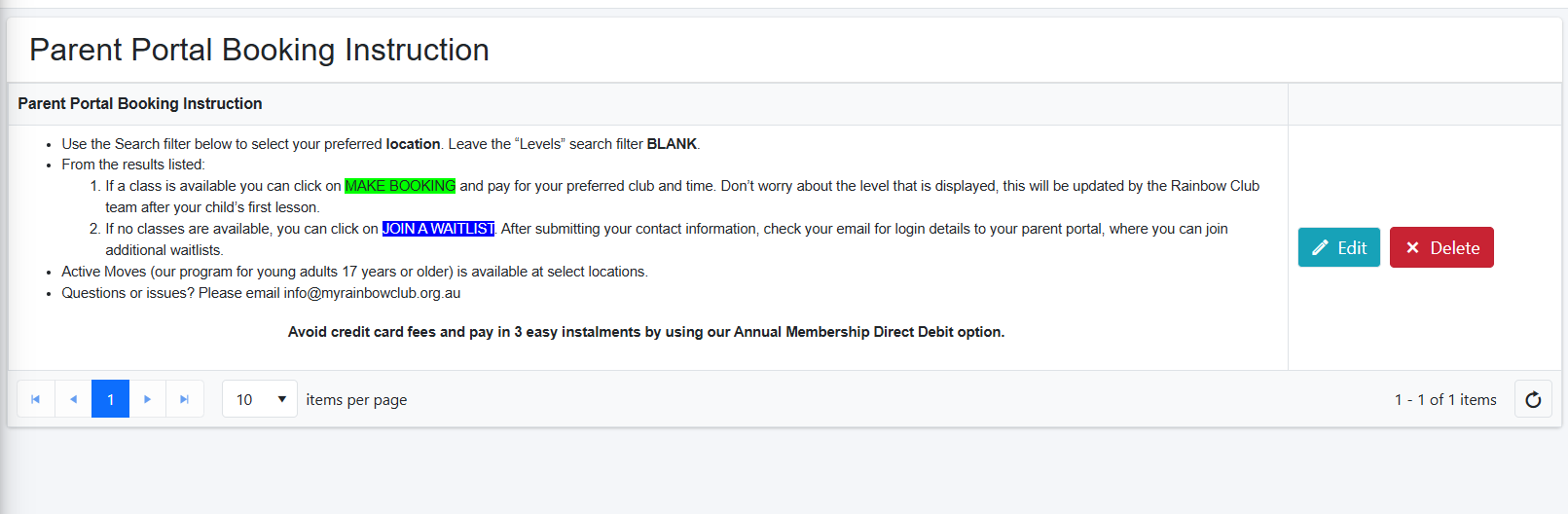
NOTE: If you wish to return the booking instructions to the original default, simply delete the the custom instructions.
Was this article helpful?
That’s Great!
Thank you for your feedback
Sorry! We couldn't be helpful
Thank you for your feedback
Feedback sent
We appreciate your effort and will try to fix the article