Attendance Report
This article gives you steps on how to generate an Attendance report.
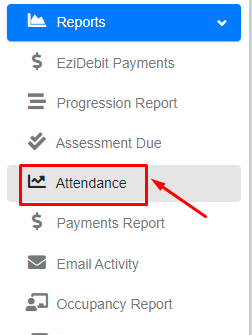
Step 1 - Within the Reports menu, click “Attendance”.
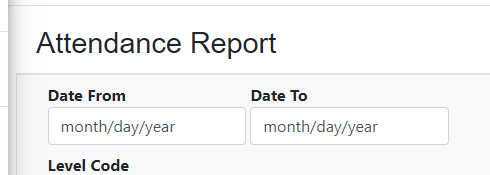
Step 2 - Update the date enrolled from and to.
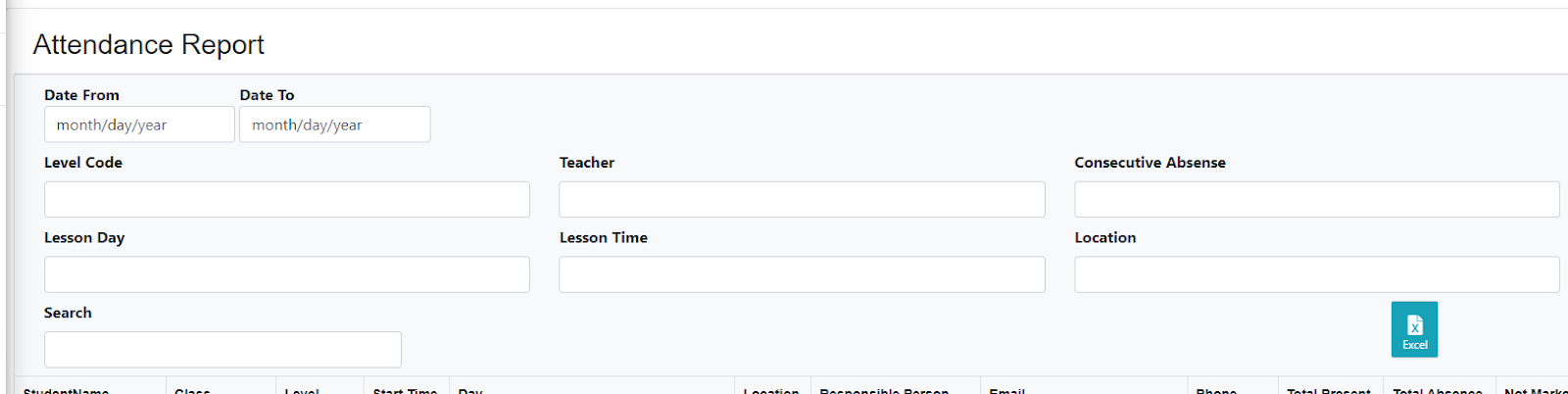
Step 3 - Update the filter based on your preference.
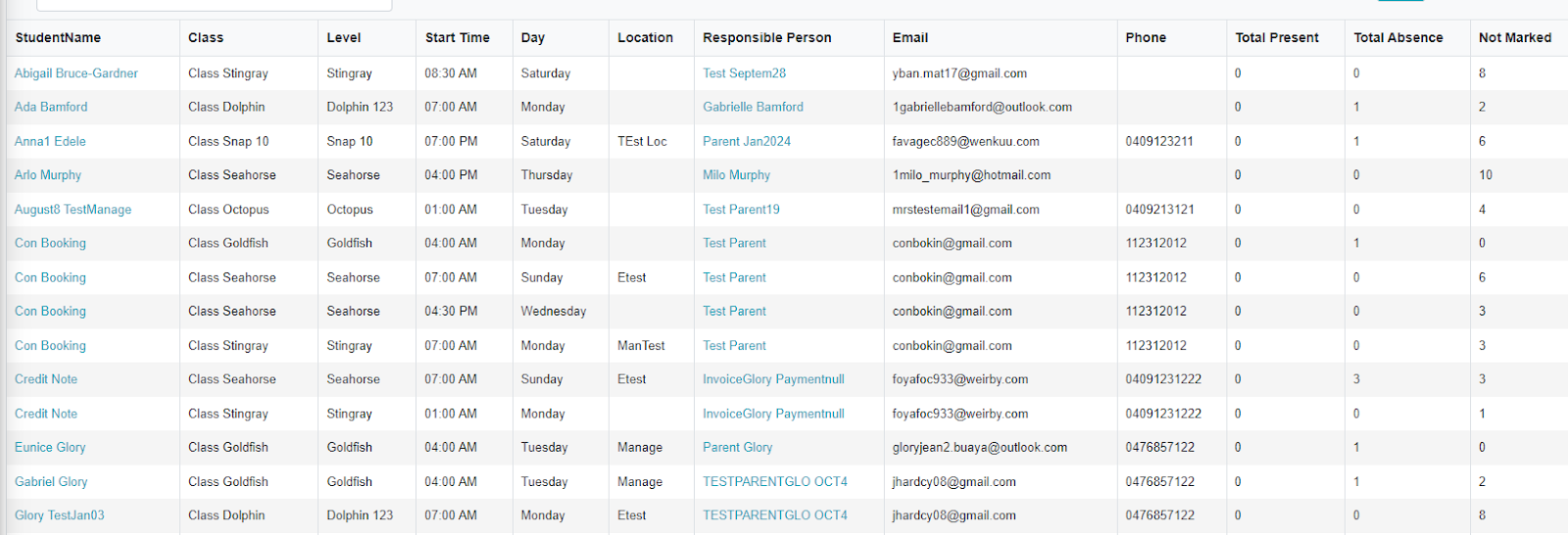
Step 4 - It will display results at the bottom.
Step 5 - To generate via Excel files, click the “Excel” button

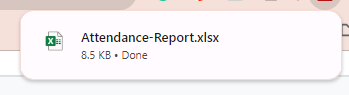
Step 6 - Wait for the data to download, then open.
Was this article helpful?
That’s Great!
Thank you for your feedback
Sorry! We couldn't be helpful
Thank you for your feedback
Feedback sent
We appreciate your effort and will try to fix the article