This article will give you steps on how to generate a parent's last login report.
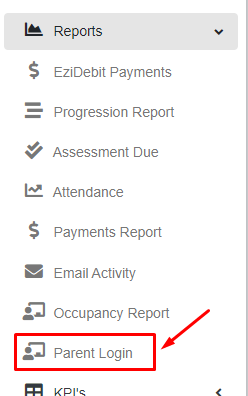
Step 1 - Within the “Reports” menu, click Parent Login.
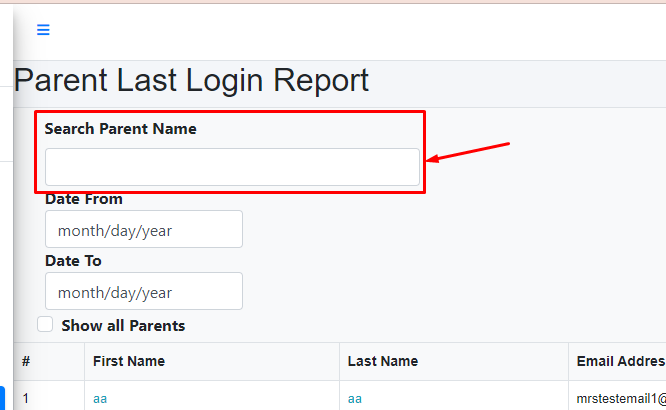
Step 2 - Type the parent name if you want to generate a specific parent.
It will automatically generate a report after you type.
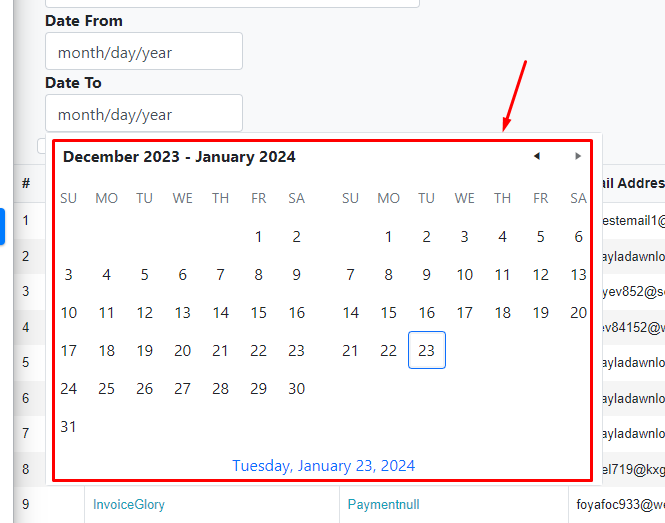
Step 3 - Select a date from and date to generate a specific date.
It will open a date format and then click the selected date.
Step 4 - Then it will automatically generate a report for the parent's last login.
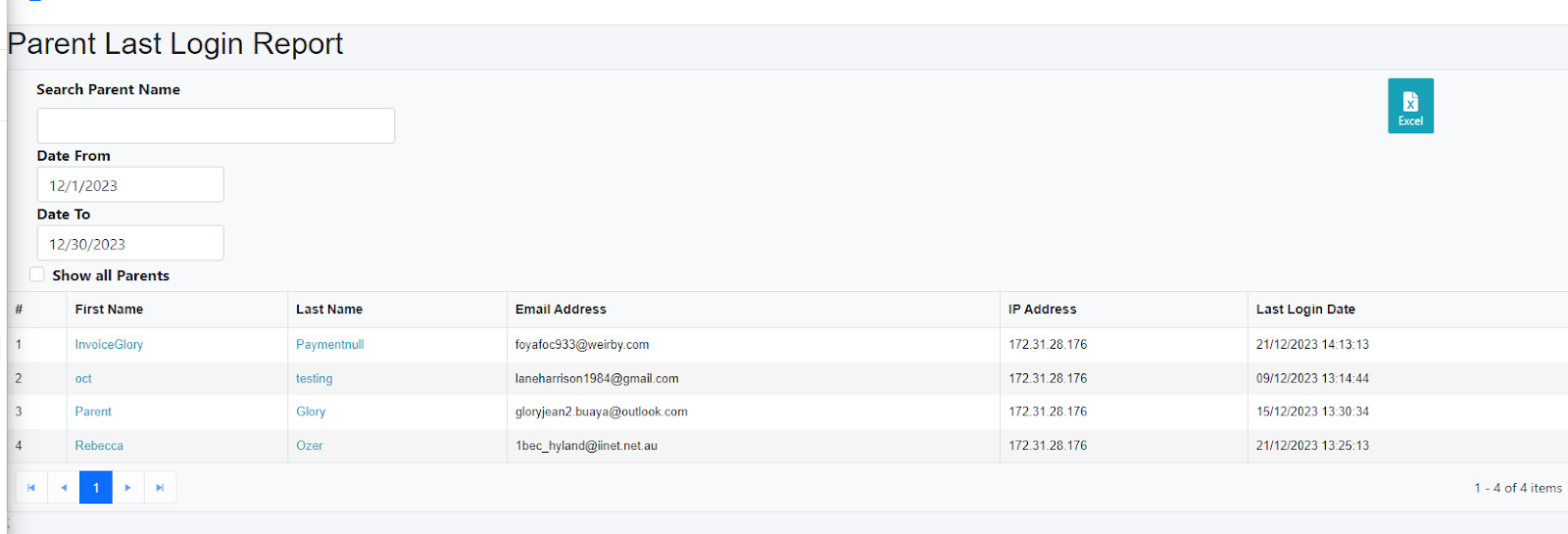
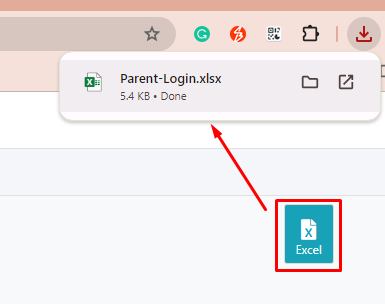
Step 5 - Click the “Excel” button to extract it into Excel files.
Was this article helpful?
That’s Great!
Thank you for your feedback
Sorry! We couldn't be helpful
Thank you for your feedback
Feedback sent
We appreciate your effort and will try to fix the article