Highlights
Smarter failed-payment handling. Every failed payment is now recorded, and the reason is shown on the invoice. Invoices waiting on an automatic retry get their own status, separate from failures that won't be re-tried. Stripe cards reported lost or stolen are no longer re-tried.
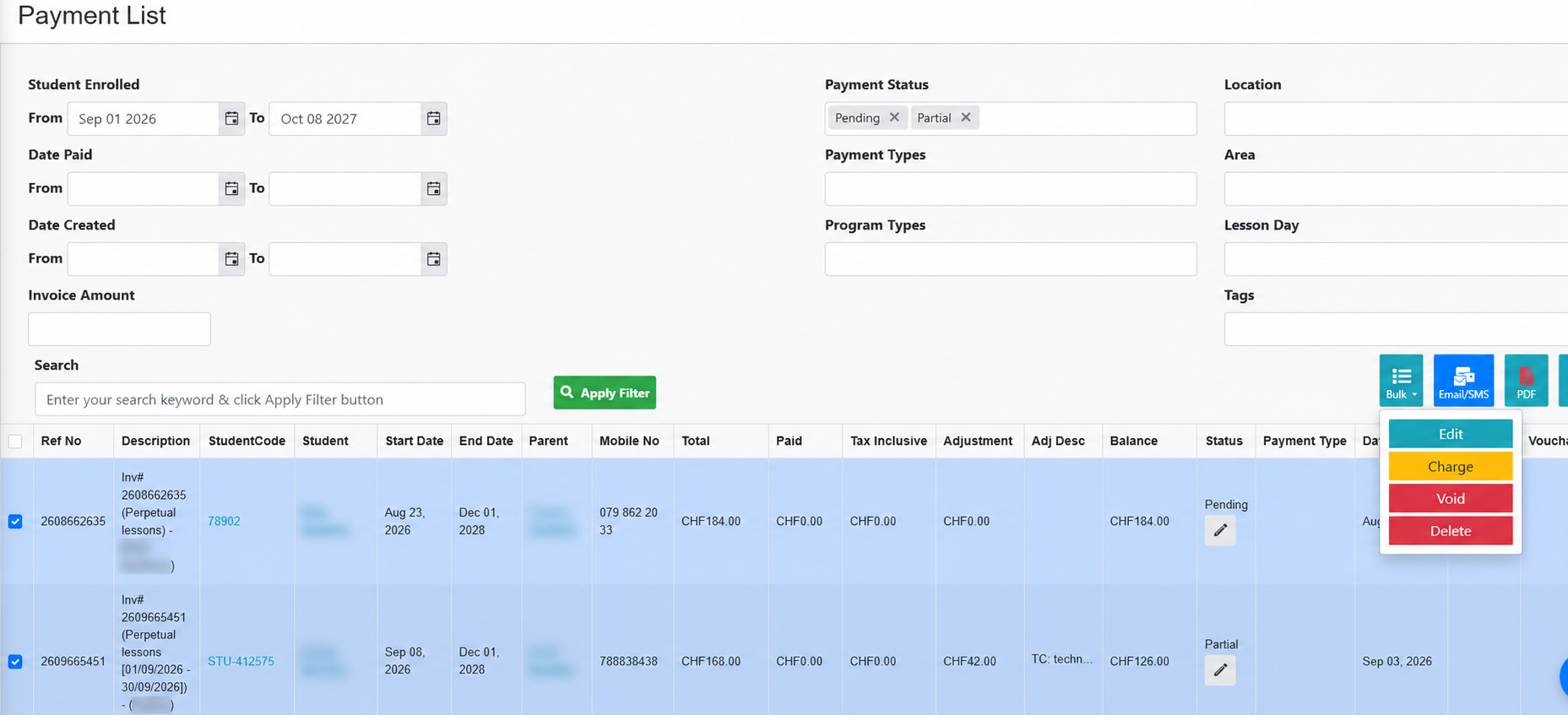
Charge many invoices at once. The Bulk menu on Payment Summary has a new Charge option. Select Pending or Partial invoices and charge each one through the family's saved Stripe card or Worldpay saved payment method. Families with no payment method set up are skipped.
Charge to Card on File from the product cart. If a family has a Stripe card saved, staff can charge it straight from the Shopping Cart. The Stripe payment description lists the products bought.
Reply Email setting. Under Dashboard > Settings, choose a separate address, such as a shared support inbox, to receive replies to communications, invoice and statement emails, and enquiry notifications. Leave it blank to keep using your account email.
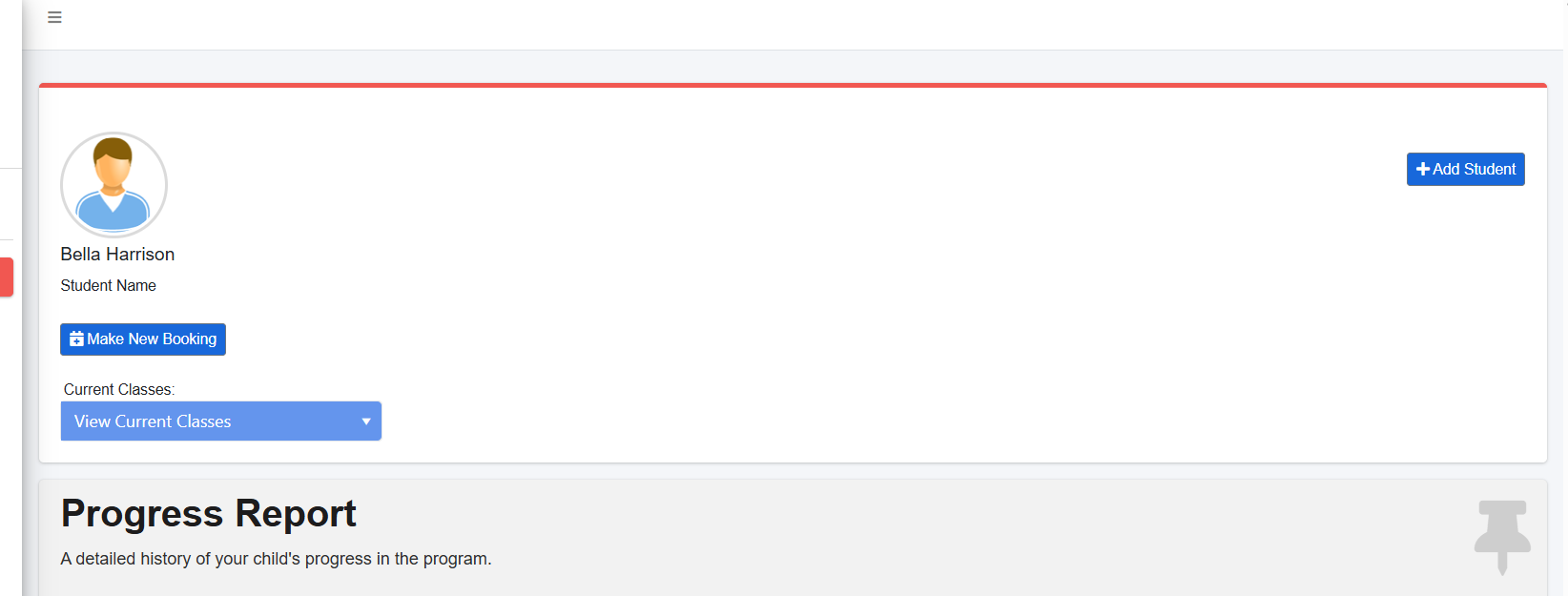
Make New Booking in the Parent Portal. A new button under the student's name on the Parent Portal dashboard opens the booking page with that student already selected.
New features & improvements
Along with the highlights, these releases include 12 smaller improvements across payments, the Parent Portal, reports and class management.
Payments & billing
Cancel scheduled Worldpay payments. The Payment Gateway Report has a new Delete button for payments that are scheduled but not yet processed, including payments due the same day.
Parent Portal
Clearer class labels. On the dashboard, "Select Class" is now Current Classes and "View Classes" is now View Current Classes. The French wording is updated to match.
My Payments shows what's owed first. The page now opens filtered to Pending and Partial invoices. The Show All and Show Paid buttons still work.
The Cancel button always shows. When cancellation is enabled, parents can always start a cancellation. The "range days of the month" setting now sets the default drop date instead of hiding the button. Inside the range, the default is the last day of next month. Outside it, the default is the last day of this month.
Reports
Cancelled Students Report upgrades.
A new Date of Cancellation column, also included in the Excel export along with Reason for Cancellation.
Future-dated cancellations now appear. The To Date can be set past today and defaults to the end of the current month.
A new tick box, Exclude students with a current active booking, is ticked by default. Untick it to also list cancelled students who still hold another booking, such as a next-term rollover.
Occupancy Report. In Level view, rows follow the order set under Settings > Levels.
Class print sheets and Excel export. Every assigned teacher now appears under Instructor(s), not only the primary teacher.
Classes, levels & students
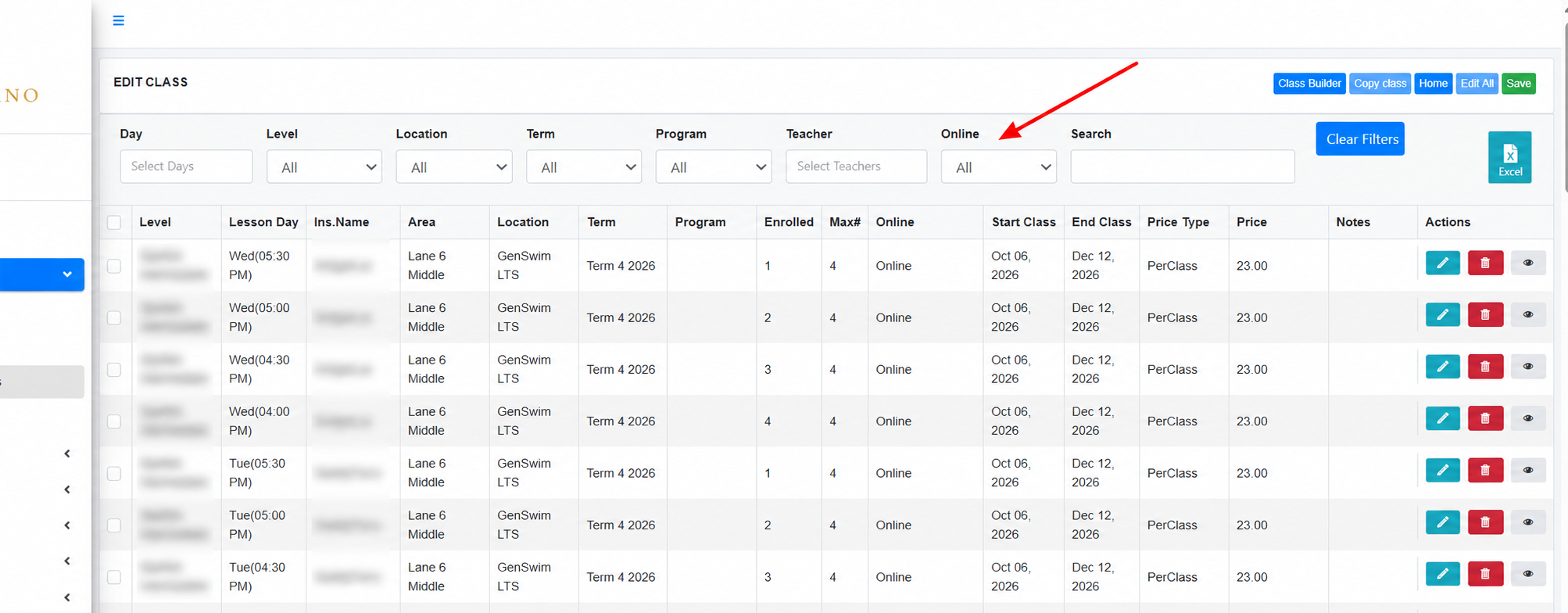
Online filter on Add/Edit Class. Filter the class grid by Online, Portal or Offline.
New student list columns. The Active students list has Post Code and Recommended Level columns.
Simpler Active Students list. The Date From/To filter is removed from the Active tab. It filtered by enrolment date rather than activity, so its results were misleading. The other tabs keep it.
Back to Levels. The Manage Skills page has a link back to the levels list. Previously you needed to return via the menu.
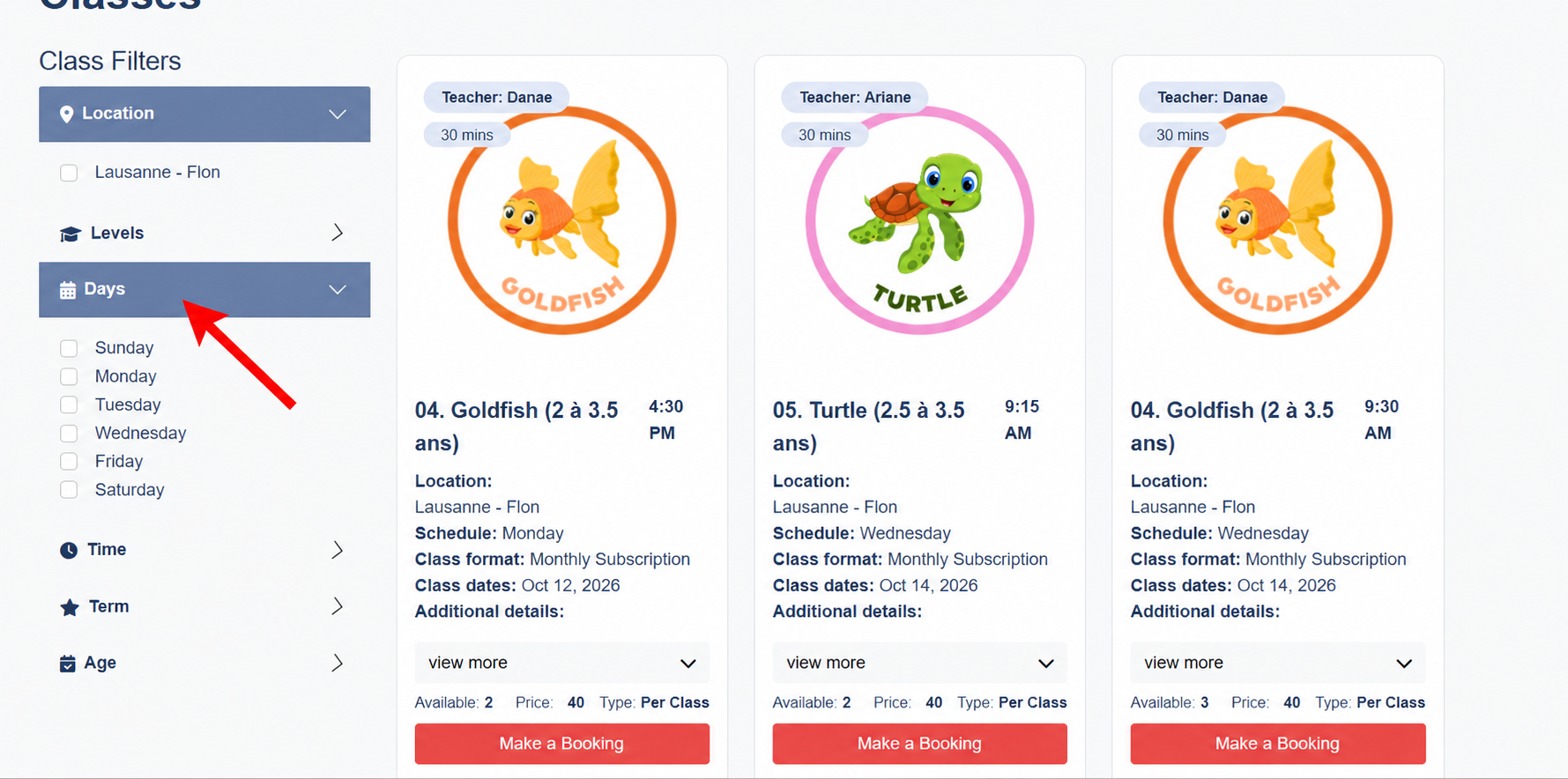
Tidier online booking filters. The filters on your public booking page only offer options that have classes available. Previously it showed all active levels regardless of active classes.
Fixes
Payments & billing
Xero invoice descriptions. For invoices not linked to a class, the tuition line sent to Xero now includes the invoice line's description.
Parent Portal
Password reset. Resetting a password now always updates the parent's active account. Before, a parent with an old, removed profile on the same email could be told the reset worked and still be unable to log in because it updated the deleted record.
Scheduling & attendance
Holidays for a single location. A holiday set for one location is now respected in Parent Portal attendance, the weekly booking view and the public booking page. The Holidays settings screen also keeps the chosen location when you save.
Daily View and Class List open on today. These pages now use your account's time zone. Before, accounts in Europe saw tomorrow's date from about 4pm. Check that your time zone is set in Facility Config.
Classes, levels & students
Faster Add/Edit Class. The page and its Edit button load much faster for accounts with many classes.
Online Availability saves on new levels. The value you enter when creating a level is now kept on first save.
Waitlist Delete works again. The Delete button on a student profile's Waitlist tab responds again after it stopped working.
Was this article helpful?
That’s Great!
Thank you for your feedback
Sorry! We couldn't be helpful
Thank you for your feedback
Feedback sent
We appreciate your effort and will try to fix the article